3Commas Bot Explained: How It Works & Types
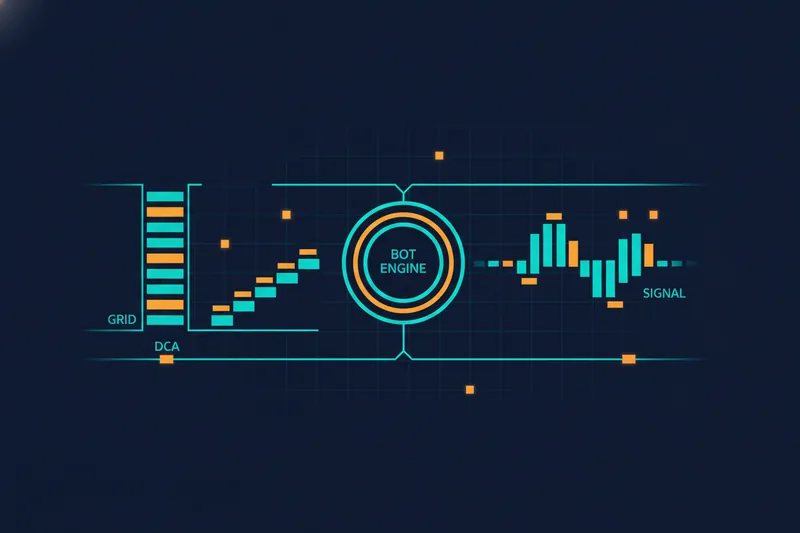
3Commas is a cloud-based crypto trading automation platform that lets you connect an exchange account and run pre-configured bots — DCA, Grid, or Signal — that execute trades automatically based on parameters you set, without writing any code. It works, but the trade-off is that most of that decision-making happens inside parameter fields and sliders rather than something you can watch play out on a chart, which is exactly the gap this guide walks through: how the engine actually functions, what each bot type does, whether the platform holds up on trust and pricing, and what real profitability data and reviews say before you commit capital to it.
What Is 3Commas and How Does Its Bot Engine Work?
3Commas is a third-party automation layer that sits on top of your exchange account. It doesn't hold your funds — it connects to your exchange through an API key and sends trade instructions on your behalf, based on rules you configure inside its interface. Day-trading software is generally built around three functional pillars: an execution platform, a market data feed, and analytics for reviewing performance after the fact. 3Commas' trading terminal covers the first of these — it's the workspace where you build bots, watch open positions, and review trade history.
How 3Commas connects to your exchange account
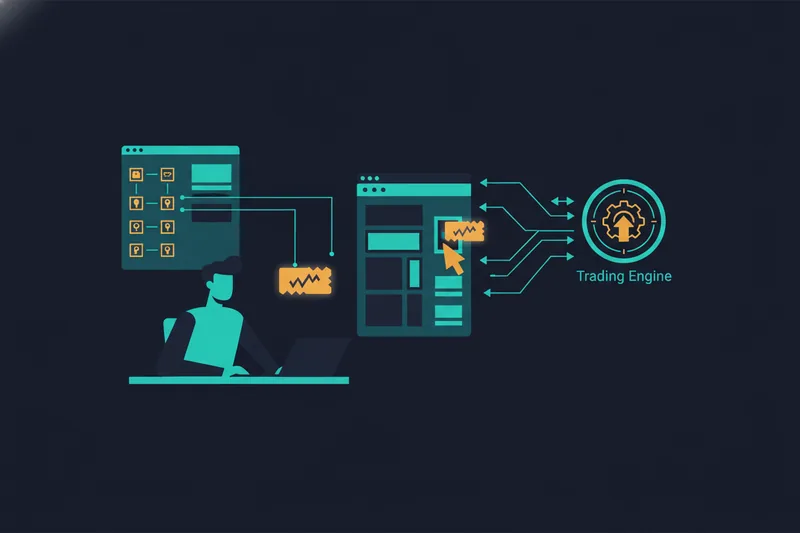
You link 3Commas to exchanges such as Binance or Kraken by generating an API key inside your exchange account and pasting it into 3Commas. That key grants trading permissions — placing and cancelling orders — without giving 3Commas custody of your assets. Every bot you build afterward runs through that same connection, meaning its actions are limited to whatever trading permissions the key allows.
SmartTrade manual tools vs automated bots
SmartTrade is 3Commas' manual order tool: you set entry, take-profit, and stop-loss levels for a single position and execute it yourself, with the platform managing the bracket orders. Bots, by contrast, run continuously against parameters — price deviation percentages, order counts, indicator thresholds — that you set once and then leave running. That's efficient, but it also means the actual decision of when a rule fires lives inside a configuration panel rather than something visibly tied to price action. Traders who want to watch precisely which candle or indicator crossing triggers a rule often look at visual alternatives — platforms like Quberas take this a different way, drawing each condition directly onto the chart so you see the trigger zone before it's live rather than after the fact.
Types of 3Commas Bots: DCA, Grid, and Signal Bots
3Commas organizes its automation into three core bot types, each built for a different market behavior.
DCA bots: averaging into a position
A DCA bot (dollar-cost-averaging bot) is generally designed to buy and/or sell at regular intervals across a preset time frame, rather than simply adding to a position whenever price drops by some amount. On 3Commas, this takes the form of a base order followed by additional orders spaced by configurable deviation and volume settings — the intent is to smooth out your average entry price rather than time a single perfect entry.
Grid bots: profiting from range-bound moves
A Grid bot places a ladder of buy and sell orders across a defined price range, aiming to capture small profits as price oscillates between them. It performs best when a market is choppy and range-bound; it struggles when price breaks decisively out of that range in one direction, since the grid keeps buying (or selling) into a trend that doesn't reverse.
Signal bots: acting on external signals
Signal bots don't generate their own entry logic — they execute trades based on alerts sent from an external source, such as a technical indicator service or a third-party trading signal feed. They're useful if you already trust a signal provider's logic but want automated, hands-off execution rather than manually reacting to alerts.
Is 3Commas Legit and Safe to Use?
3Commas is a real, long-running platform used by a large base of retail crypto traders, and it doesn't take custody of funds — trades execute through your own exchange API key. That said, legitimacy concerns in reviews tend to cluster around two things: API key permissions and platform stability. On the permissions side, the standard practice (and the one worth checking regardless of which bot platform you use) is scoping your exchange API key to trading only, with withdrawal permissions disabled, so a compromised key can't move funds off the exchange.
The bigger source of friction in reviews has been the platform's shift to a newer version of its interface, which required existing users to migrate bot configurations rather than continuing on the legacy setup — a transition that drew a mix of frustration and shrugging acceptance depending on how complex a user's existing bots were. Trust Trustpilot reviews reflect that split: strong praise for the range of bot types and exchange coverage, alongside recurring complaints about support responsiveness and the migration experience. None of this makes 3Commas illegitimate, but it's worth reading recent reviews rather than older ones before subscribing, since sentiment has shifted with each platform change.
3Commas Pricing and Plans
3Commas runs on tiered subscription plans, with higher tiers unlocking more active bots, more simultaneous exchange connections, and access to more advanced bot types and features. Lower tiers are typically enough to test a single strategy on one exchange; active multi-bot or multi-exchange use tends to push you toward a mid- or top-tier plan. A free trial is available, which is the more sensible way to evaluate the interface and bot behavior before paying — treat it as a chance to build and backtest a strategy, not just click through the menus.
Are 3Commas Bots Profitable? What Reviews and Backtesting Reveal
There's no universal answer here, and any platform review that claims one is oversimplifying. Bot profitability depends heavily on market conditions: grid bots can perform well in sideways markets and lose steadily in strong trends, while DCA bots depend on price eventually reversing back toward your average entry within a reasonable timeframe. Community sentiment on forums like Reddit reflects this — threads swing between traders reporting solid returns during range-bound stretches and others reporting drawdowns when the market trended hard against their bot's assumptions.
This is exactly why backtesting — running a strategy against historical price data before risking capital — matters, and why it's only half the job: backtesting and forward testing (running the strategy live on a demo or small position) are both considered necessary steps before a strategy is trusted with real capital, not substitutes for each other. When judging a backtest's results, a common benchmark is the Sharpe ratio — a measure of return relative to volatility — where a value above 1.0 is considered acceptable, above 2.0 very good, and above 3.0 excellent. A bot that only looks profitable on paper during one specific market regime is a warning sign, not a green light.
3Commas Pros and Cons
Pros:
- Broad exchange support and multiple bot types (DCA, Grid, Signal) covering different market conditions
- SmartTrade manual tools sit alongside automation, useful for hybrid manual/automated workflows
- Long track record and a large enough user base that most edge cases are documented somewhere
Cons:
- Parameter-based configuration means bot logic lives in numeric fields rather than something visually tied to the chart
- Reviewers consistently describe tuning as a black box — you set deviation percentages and thresholds, then wait to see what happens, with limited visual feedback on why a specific rule did or didn't trigger
- Feature access and bot limits are gated behind pricing tiers
- Migration friction and support responsiveness show up repeatedly in reviews
That black-box complaint is the recurring theme worth taking seriously if you're the kind of trader who wants to verify logic before trusting it with money.
Beyond Parameter Tuning: Alternatives for Traders Who Want Visual, Auditable Logic
Parameter-heavy black box vs. visual condition builder
The core limitation isn't that parameter-based bots don't work — plenty of traders run them profitably. It's that tuning them means adjusting numbers and re-running a backtest to see the net result, without an easy way to see which specific condition moved the outcome. A visual, no-code condition builder takes the opposite approach: instead of typing a deviation percentage into a field, you connect indicators and price conditions on a canvas, and the logic is drawn as a deal map — a visual sequence covering entry, averaging, exit, and stop-loss stages — so the structure of the strategy is something you can actually read.
Why seeing why a trade triggered matters before going live
The practical difference shows up when a bot does something unexpected. With a parameter panel, you're left guessing which threshold caused it. With a visual debugger, you can highlight the exact chart zone tied to each condition, see how close a rule came to firing versus actually triggering, and adjust the threshold with the price action still in view rather than reconstructing it from a log. That's the kind of verification worth having before a strategy runs unattended with real capital — you're auditing logic, not just outcomes. This is the gap tools like Quberas are built to close: strategy conditions and rule triggers are visible on the chart itself, not buried in a settings panel.
How to Set Up a 3Commas Bot (and What to Verify First)
- Connect your exchange. Generate an API key on Binance, Kraken, or your exchange of choice, scoped to trading only, and link it inside 3Commas.
- Choose a bot type. Pick DCA, Grid, or Signal based on the market condition you're targeting — range-bound favors Grid, a trending-then-reverting thesis favors DCA.
- Set entry and exit conditions. Define your base order size, safety order spacing, take-profit target, and stop-loss.
- Backtest before funding it. Run the configuration against historical data and check how it performed across different market regimes, not just the most favorable window.
- Check threshold behavior. Look for near-miss trades — conditions that almost triggered — since these often reveal a threshold set too tight or too loose.
- Consider infrastructure for live runs. A bot can be tested from a home computer, but running it continuously with real money is where a stable, always-on setup — typically a VPS rather than a personal machine — becomes the safer choice, since a dropped connection during an open trade has real cost.
- Start small. Fund the bot with a position size you can afford to lose while you confirm live behavior matches backtested behavior.
See exactly why a trade triggers before you risk capital — try Quberas free and build your first visual, no-code strategy today.