Best Trading Platform for Beginners | Quberas
What to Look for in a Beginner Trading Platform
The best trading platform for beginners isn't the one with the flashiest interface — it's the one that lets you verify your ideas before you risk money on them. That means checking the brokerage basics (fees, minimums, support, regulation) and, increasingly, whether the platform gives you a way to build and test trading logic rather than just click "buy" and "sell." Most comparison articles stop at the first half. This one covers both, because a beginner who only compares commissions but never validates a strategy is still trading blind.
Broker-side basics: fees, minimums, and support
Start with the fundamentals every broker review should cover. Commission-free trading is now standard among major U.S. brokers for stocks and ETFs, but futures and options often carry per-contract fees that vary by license tier — some platforms charge close to nothing on entry tiers and reduce per-contract costs further under paid plans. Account minimums differ sharply by asset class and broker type: some futures brokers ask for as little as $100 to open an account, while others require thousands. Check customer support responsiveness (live chat vs. ticket-only) and read a few real complaint threads, not just the marketing page, before committing funds.
Why beginners increasingly ask about automation, not just execution
Day trading software is generally built around three separate jobs: a platform for order execution, a data feed for prices, and analytics or journaling tools for reviewing what happened after the fact. Traditionally, beginners only worried about the first. Now, more self-directed traders — especially in crypto, where markets never close — want a fourth layer: a way to turn a manual strategy into rules a machine can run consistently. That's a different evaluation problem than picking a broker, and it's where a no-code algorithmic trading builder — a tool that lets you assemble trading logic visually instead of writing code — comes in. Quberas belongs to this category: it doesn't replace your broker, it sits alongside it, letting you design and validate the rules before anything goes live.
Broker Platforms vs. No-Code Algo Trading Builders: Two Different Jobs
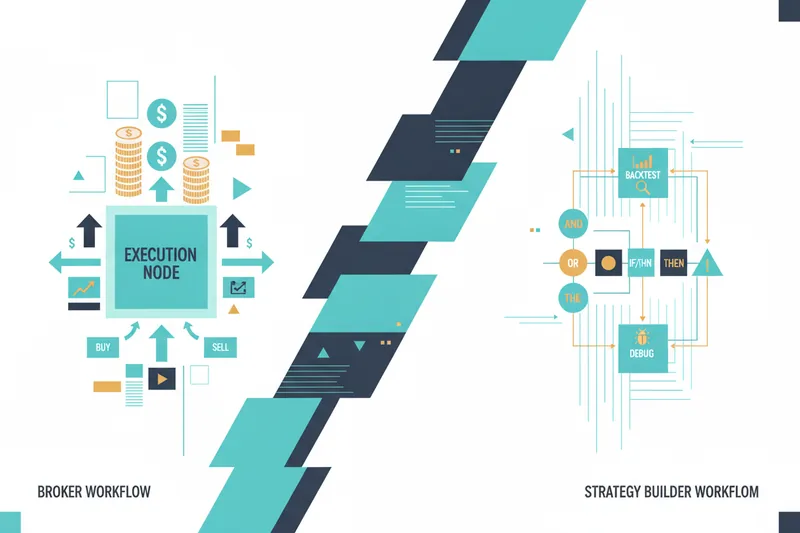
A brokerage account is where trades execute — it holds your funds, routes your orders, and reports fills. A strategy-building platform is where the logic behind those trades gets designed and tested. Conflating the two is the most common mistake beginners make when comparing "trading platforms," because the features that matter for each are almost entirely different.
Where robo-advisors fit — and their limits for active strategy building
A robo-advisor automatically allocates your money across a pre-set portfolio based on your risk profile — useful for passive, long-term investing, but not built for someone who wants to define their own entry and exit rules. Robo-advisors make decisions for you inside a fixed model; they don't let you inspect, adjust, or backtest custom logic. If you want to specify exactly when a position opens or closes, a robo-advisor's abstraction works against you.
Why a no-code builder like Quberas is a separate layer, not a broker replacement
Some strategy-automation tools require actual programming — platforms like AlgoBuilder, for instance, provide structured backtesting and deployment tools but still rely on code-based workflows such as Python scripts. That's a real barrier for a beginner who trades manually and wants to formalize their approach without learning a programming language. A no-code builder replaces the script with a visual structure: you place conditions on a canvas, connect them, and watch the logic apply to a chart. The distinction that matters going forward is simple — manual trading means you click every order yourself; automated trading means predefined rules execute for you, and a no-code builder is how you write those rules without code.
How No-Code Strategy Builders Work
Visual strategy builders organize a bot's logic as a deal map — a flowchart of the stages a trade goes through, from entry to exit. Instead of scrolling through parameter menus or reading a script, you see the strategy's shape: an entry condition, optional averaging orders that add to a position under specific circumstances, and an exit or stop-loss branch that closes it.
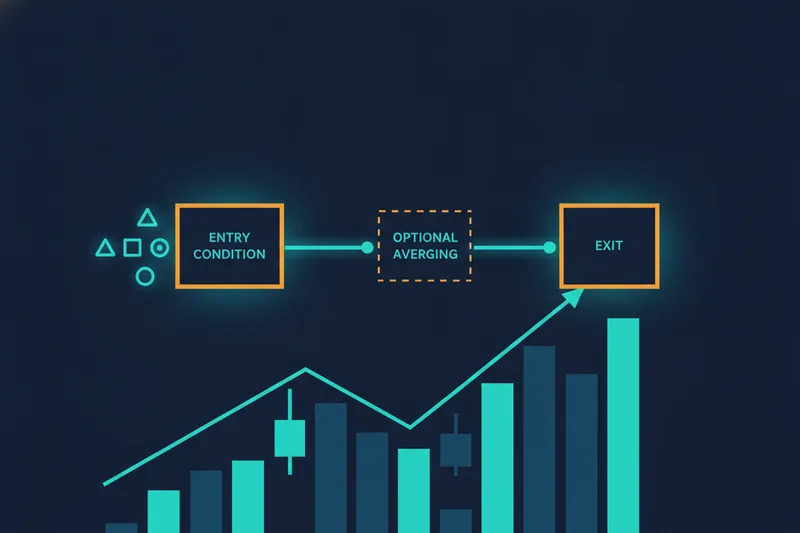
Entry conditions define what has to be true before a bot opens a position — a price crossing a moving average, an RSI threshold, a volume spike. A condition builder lets you combine these using nested logic ("if A and (B or C)") built from price, indicators, volume, and crossovers, without writing a Boolean expression by hand.
Averaging orders add to an existing position when the market moves against it, under rules you define — this is distinct from a DCA (dollar-cost-averaging) bot, which buys or sells at fixed time intervals regardless of price rather than adding at progressively worse levels. Confusing the two leads to strategies that don't behave the way you expect, so it's worth knowing which mechanism a platform actually implements before you rely on it.
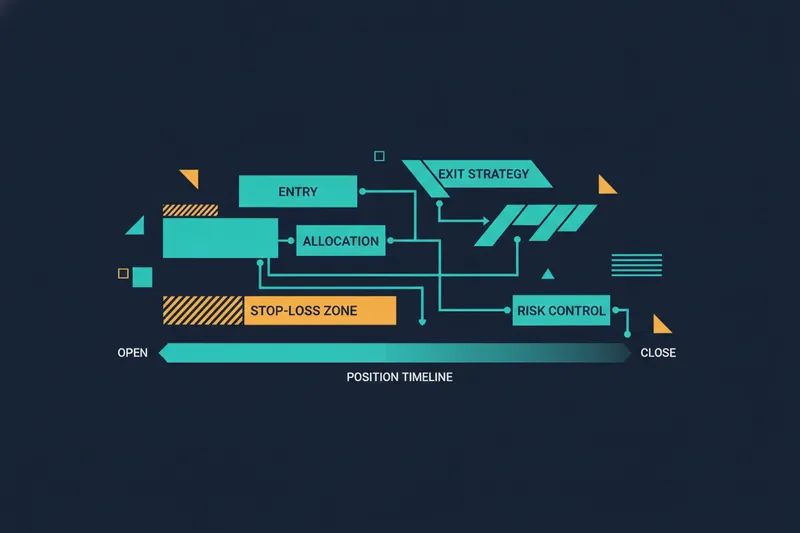
Exit and stop-loss logic closes the trade — either at a profit target, a trailing condition, or a hard stop that limits downside. In a deal map, all of these stages are visible as connected blocks, so you can trace exactly how a position is meant to move from open to close before it ever touches live capital.
Backtesting and Visual Debugging: Validating a Strategy Before You Trade
Why backtesting matters more than platform hype
Backtesting runs your strategy's rules against historical price data — typically OHLCV data (open, high, low, close, volume) — to see how it would have performed in the past. It's not optional polish; backtesting and forward testing (running the strategy live on a demo account) are both required stages a strategy needs to pass before anyone should trust it with real capital, and neither substitutes for the other. A platform that lets you skip straight to live trading without a backtesting step is not beginner-friendly, no matter how simple its interface looks. As a rough sanity check once you have backtest results, a risk-adjusted return measure like the Sharpe ratio is generally read as acceptable above 1.0, good above 2.0, and excellent above 3.0 — useful for comparing strategy variations rather than judging any single number in isolation.
How a visual debugger shows exactly why a trade fired (or didn't)
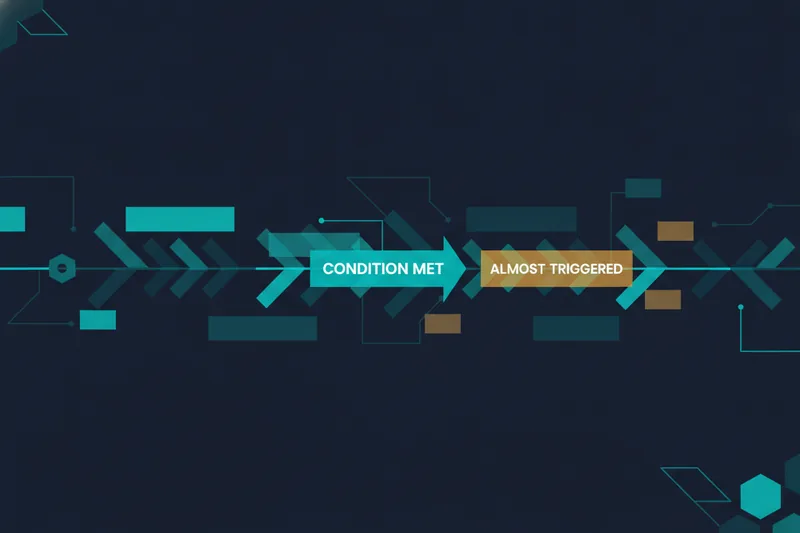
A visual debugger takes backtesting a step further by highlighting the exact chart zones tied to each condition in your strategy, so you can see not just that a trade happened, but why. Rather than staring at a log of trade timestamps, you see the price action that triggered — or almost triggered — a rule directly on the chart. This "almost triggered" versus "triggered" view matters because it shows how close a threshold came to firing without actually doing so, which is exactly the information you need for threshold tuning: tightening or loosening a condition to reduce noise-driven entries that look fine in a spreadsheet but fail in practice. This is the core mechanism Quberas is built around — instead of tweaking numeric parameters in the dark, you watch the debugger show you where the logic engaged and adjust from there.
Fees, Account Minimums, and Commission-Free Trading
None of the strategy-validation tools above remove the need to check a broker's cost structure. Commission-free trading applies broadly to U.S. stock and ETF trades, but futures brokers typically charge per contract, and those rates shift by license tier — one platform's free tier runs $0.39 per side on micro contracts and $1.29 on standard contracts, while its paid lifetime tier drops those to $0.09 and $0.59 respectively. Account minimums vary the same way: some futures brokers accept as little as $100 to start, while others set the bar much higher. Also confirm what order types the platform supports — market, limit, stop, and stop-limit orders are the minimum set a beginner needs, since a strategy's exit logic is only as good as the order type actually available at execution.
Tools, Education, and Mobile Usability for Beginners
Day-to-day usability determines whether you'll actually stick with a platform. Research and charting tools — indicator overlays, drawing tools, multi-timeframe views — should be legible on a normal chart, not buried three menus deep. Educational resources matter more for beginners than seasoned traders often admit: look for material that explains order types, risk sizing, and strategy logic in plain terms, not just glossary entries. Mobile app usability is worth testing directly — open a demo account and check whether you can actually read a chart, place an order, and review a position on a phone screen before assuming the desktop experience translates. If a platform's mobile app can't display your available order types clearly, that's a real limitation, not a minor inconvenience.
Safety, Regulation, and Account Protection
Regulatory oversight is non-negotiable for a broker: in the U.S., that means registration with the SEC and membership in FINRA; in the U.K., it's FCA authorization. These bodies enforce capital requirements and dispute-resolution processes that protect your funds if a broker fails. Check for account protection details — insurance coverage on cash and securities, and how the broker segregates client funds from its own. Customer support ties into safety too: a broker who is hard to reach when an order fails to execute correctly is a safety issue, not just a convenience gap. None of this changes when you add a strategy-building layer on top of your broker — the regulatory relationship stays with the broker holding your funds, while a no-code builder is a separate, unregulated tool for designing and testing logic.
Demo Accounts and Paper Trading: Test Before You Risk Capital
A demo (paper trading) account lets you place orders with simulated money against live or historical prices — the standard way to confirm a broker's execution and interface before funding a real account. It's a good complement to, not a substitute for, backtesting: paper trading confirms how a strategy behaves going forward in current conditions, while backtesting shows how it would have performed historically. Using both is how you move from an idea to a validated strategy: backtest first to filter out obviously broken logic, then paper trade to confirm the strategy still holds up under live conditions, checking risk management assumptions — position sizing, stop placement — at each stage before a single dollar of real capital is at risk.
Avoiding Get-Rich-Quick Myths in Automated Trading
Automation doesn't guarantee profit — it enforces consistency, which is not the same thing. A bot will follow a bad rule exactly as faithfully as it follows a good one. Beginners drawn to algo trading by promises of easy passive income often skip the validation step entirely and go live on an unbacktested idea; that's the fastest way to lose the capital automation was supposed to protect. Realistic expectations start with acknowledging that trading itself spans many distinct approaches — scalping, range trading, trend following, breakout trading — each with different risk profiles and time horizons, not one universal formula that outperforms the others. Scalping strategies, for example, operate on 1-minute to 15-minute charts where outcomes are shaped by execution speed and spread as much as by market direction — a very different risk profile than a swing strategy holding positions for days. A sound risk framework, such as capping risk per trade around 3%, total open exposure around 5%, and requiring a minimum 7% profit-to-loss ratio, gives you a concrete way to size positions rather than guessing. Backtesting-validated strategies with defined risk rules will still lose trades — the goal is a favorable distribution of outcomes over time, not a promise that every trade wins.
Choosing the Right Platform for Your First Algorithmic Strategy
Checklist: what to compare before you commit
- Broker regulation (SEC/FINRA or FCA), account minimums, and commission structure for your asset class
- Available order types and whether the mobile app displays them clearly
- Whether the platform offers a demo or paper trading account
- Whether you can backtest a strategy against real historical data before going live
- Whether you can see — visually — why a condition triggered, not just that it did
- Support for defining entry, averaging, exit, and stop-loss logic without writing code
- Risk controls you can set at the strategy level, not just per order
How Quberas fits alongside your broker
Your broker handles execution, custody, and regulation. Quberas handles the layer before that: building a strategy's deal map, running it through backtesting against historical data, and using the visual debugger to confirm the logic behaves the way you intended — including applying risk controls at the scenario level so a strategy respects position sizing and loss limits by design, not by memory. If you'd rather start from something proven than build from scratch, the strategy marketplace lets you select an existing strategy, review its logic and backtest results, set your own risk parameters, and test it before trading it live.
See how Quberas lets you build, backtest, and visually debug your first strategy before risking real capital — start free.
Frequently Asked Questions
Is algo trading safe for beginners? It's as safe as the validation behind it. A backtested, risk-managed strategy running on a regulated broker is a reasonable starting point; an unbacktested bot copied from a forum post is not.
Do I need to code to automate a strategy? No — a no-code algorithmic trading builder lets you construct entry, exit, and stop-loss logic visually, using a condition builder instead of a script. Code-based tools still exist and offer flexibility, but they demand a separate skill set beginners don't need to acquire first.
How much can I realistically make? There's no honest fixed number — outcomes depend on strategy, market conditions, and risk sizing, and even well-validated strategies have losing periods. Treat any platform or influencer promising guaranteed returns as a red flag, and judge a strategy by its backtested risk-adjusted performance, not by anecdotes.
What is a visual debugger in trading? It's a tool that highlights the specific chart zones tied to each condition in your strategy, showing exactly why a trade triggered — or how close it came without triggering — so you can tune thresholds based on evidence instead of guesswork.