Forex Factory Calendar: Read & Trade News Alerts
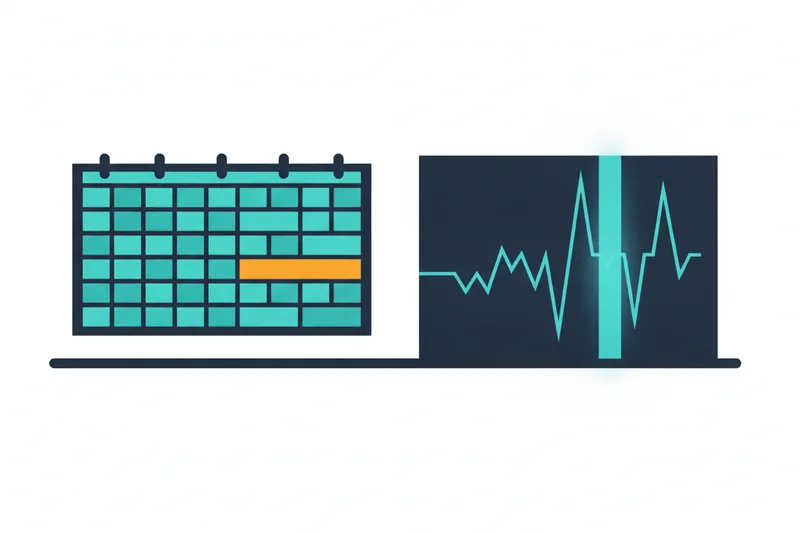
The Forex Factory calendar is a free, widely used economic calendar that lists scheduled economic data releases — jobs reports, inflation figures, central bank decisions — ranked by how much they tend to move currency markets. Reading it well means three things: knowing what each column and color means, correcting for your own time zone, and filtering it down to the handful of events that actually touch the pairs you trade. Get those three right, and the calendar stops being a source of surprise volatility and becomes an input you can build rules around — including rules a trading bot can follow automatically. That last part is where most guides stop short, and where this one keeps going: turning calendar awareness into strategy logic, whether you trade manually or through an automated system like Quberas, a no-code platform for building and backtesting algorithmic strategies.
What Is the Forex Factory Calendar
An economic calendar is a running schedule of official data releases and policy announcements from governments and central banks — things like employment figures, inflation reports, GDP updates, and interest rate decisions. Forex Factory aggregates these into a single timeline, organized by date and country, so traders can see at a glance what's coming and when.
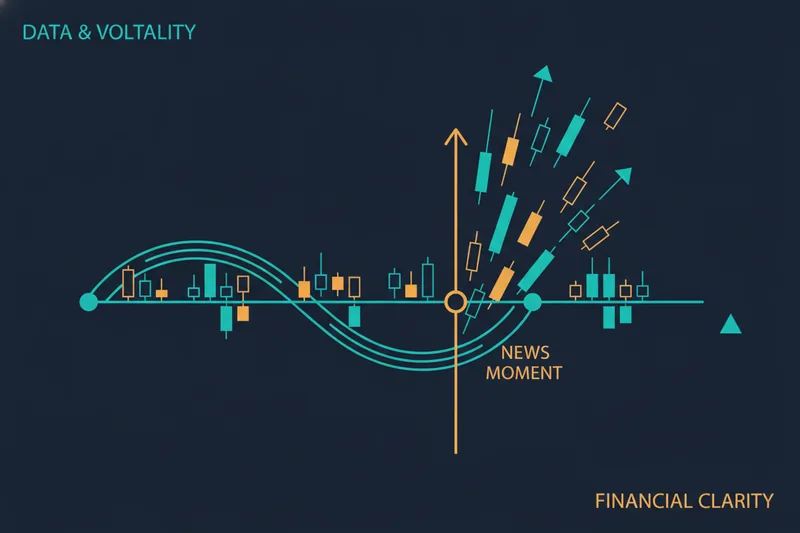
The reason traders lean on it so heavily is that these releases are the main scheduled source of sudden price movement in currency markets. Unlike a chart pattern breaking down organically, a high-impact news event hits at a known minute, and the market's reaction to it can dwarf hours of normal price action. Every listed event is tagged to a currency, which means it's also tagged, indirectly, to every currency pair that includes it — a US jobs report doesn't just move the dollar in isolation, it moves EUR/USD, USD/JPY, GBP/USD, and every other dollar cross at once.
How to Read the Forex Factory Calendar
Each row on the calendar carries four core pieces of information: the event name, its scheduled date and time, its impact rating, and a set of data values. Learning to scan these quickly is what separates someone who reacts to news from someone who anticipates it.
Understanding Impact Color Codes
Forex Factory rates every event low, medium, or high impact, usually shown as a color-coded icon next to the event name. High-impact events are the ones capable of producing outsized, fast moves — think central bank rate decisions or major employment data. Medium-impact events matter more to specific pairs or sectors, while low-impact releases rarely move price enough to matter for most retail strategies. Filtering by this rating is the fastest way to cut a cluttered calendar down to what's actionable.
Actual, Forecast, and Previous Values Explained
Next to each event you'll see three numbers: previous (the last reading), forecast (the consensus estimate from economists), and actual (the real figure once released). The market doesn't react to the number in isolation — it reacts to the gap between actual and forecast. A jobs number that comes in exactly as expected often produces a muted response even if the headline figure sounds strong; a modest miss or beat against forecast is what tends to trigger the sharp move, because it's the surprise that repositions traders.
Setting Your Time Zone Correctly
This is the single most common way traders misread the calendar. Forex Factory displays times based on the time zone set in your account or browser preferences, and if that setting doesn't match your broker's platform clock, every event on the page is effectively shifted. A trader expecting a release at 8:30 AM who's actually looking at a calendar set to a different time zone can watch a spike happen twenty minutes early — or wait past it entirely.
Two things compound this: daylight saving adjustments, which shift at different dates in different countries and can knock your alignment off by an hour twice a year, and the fact that your broker's platform time is often set to a fixed offset unrelated to your local time. Before relying on the calendar for anything time-sensitive, confirm your Forex Factory time zone setting against your trading platform's clock directly — not against your phone's local time, which is a separate reference point entirely.
Filtering the Calendar by Currency and Impact
A default, unfiltered calendar view is noisy — dozens of low-impact releases from countries you don't trade, mixed in with the two or three events that actually matter to your positions. Customizing the view solves this. Forex Factory lets you select which currencies to display and which impact levels to include, so a trader who only works USD and EUR pairs can strip the calendar down to just those currencies at medium-and-high impact.
This matters practically: if you hold GBP/JPY, a US inflation print is irrelevant to your filtered view, but a UK rate decision or a Japanese GDP release isn't. Filtering by currency pairs traded, rather than scanning the whole calendar, is what makes a daily calendar check a two-minute habit instead of a fifteen-minute one.
Key High-Impact Events to Watch
A handful of recurring releases account for most of the volatility retail traders actually experience:
- NFP (Non-Farm Payrolls) — the US monthly jobs report, released once a month by the Bureau of Labor Statistics; consistently one of the highest-impact recurring events for USD pairs.
- CPI (Consumer Price Index) — the primary inflation gauge; markets watch it closely because it heavily influences central bank rate decisions.
- FOMC (Federal Open Market Committee) decisions — the US Federal Reserve's scheduled meetings, where interest rate decisions are announced and can move every dollar-denominated pair within seconds.
- Interest rate decisions from other major central banks (ECB, BoE, BoJ) — structurally similar to FOMC in effect, just tied to a different currency.
- GDP releases — quarterly growth figures that shape longer-term sentiment on a currency, even if the immediate spike is often smaller than NFP or CPI.
Knowing this short list by name means you can recognize, at a glance, which upcoming calendar entries deserve a plan and which don't.
Trading Around News Events: Risks and Strategies
High-impact releases don't just move price — they change the conditions under which price moves. Spreads widen, liquidity thins, and execution becomes less predictable exactly when precision matters most.
Manual Approaches to News Trading
Traders who trade news manually generally take one of two routes: entering right at release and riding the initial spike, or waiting for the immediate volatility to settle and trading the follow-through. The first approach overlaps heavily with scalping, which operates on very short timeframes — often 1-minute to 15-minute charts — where results are shaped as much by execution speed and spread as by the underlying move itself. The second overlaps with breakout trading, entering once price clears a range established just before or after the release. Both require sitting at the screen through the event, which is exactly what a systematic trader is often trying to avoid.
Why Spikes Cause False Signals
The core problem with letting an automated or rules-based system trade through news blindly is that volatility spikes distort the signals those rules were built on. A moving average crossover or a volume threshold calibrated on normal conditions can fire on the noise of a spike rather than a genuine trend change. On top of that, execution itself gets worse: spreads widen and slippage increases, and some brokers' quoted execution prices can include a mark-up beyond the raw spread even in calm conditions — a cost that gets magnified when volatility spikes push prices through multiple price levels in the time it takes an order to fill. A strategy that looks solid on a normal Tuesday afternoon can generate a cluster of false signals in the two minutes around an NFP release.
Building News-Aware Algorithmic Strategies
Algorithmic trading — using predefined rules to enter and exit positions automatically — doesn't remove the news problem, but it does let you encode a response to it instead of reacting live. The goal isn't to predict the spike; it's to make sure your bot's rules already account for the fact that the spike is coming.
Pausing or Adjusting a Bot Before High-Impact Events
In Quberas, strategies are built as a visual deal map — a sequence of connected conditions covering entry, averaging, exit, and stop-loss logic. Because every condition sits on the map as a distinct, visible block, you can add a time-based or scenario-level condition that pauses new entries in a defined window around a known high-impact event, such as the minutes before and after an NFP or FOMC release, rather than leaving the bot to interpret the spike as a normal signal. Risk controls applied at the scenario level — for instance, capping risk per trade and total open exposure, in the spirit of frameworks like the 3-5-7 rule, which limits individual trade risk to 3%, total open risk to 5%, and requires a minimum profit-to-loss ratio of 7% — can be layered on top of that pause condition so exposure stays contained even if a position is already open when the calendar event hits.
Backtesting a Strategy Through Past News Windows
Before trusting any of this live, backtesting — running the strategy against historical price data to see how it would have performed — lets you check the pause logic against real past events rather than assumptions. Running a backtest through a window that includes a past NFP or FOMC date shows whether the pause condition actually kept the bot out of the spike, and Quberas' visual debugger highlights the exact chart zones tied to each condition, making it possible to see whether a rule almost triggered during the volatility or stayed correctly inactive. Backtesting a strategy is one required step, not a final one — forward testing on live-but-small positions is still needed before committing full size, since the two serve different validation purposes.
Alternatives and API/Data Access for Automated Trading
For traders who want calendar data feeding directly into an automated system rather than checked manually, several economic calendar providers expose API access — a way for software to pull event data programmatically instead of a person reading a webpage. This is the layer that makes programmatic event triggers possible: a script or bot checks the API for upcoming high-impact events and adjusts its own behavior without a human in the loop.
Forex Factory itself is one of several free calendar sources; other data providers and broker-supplied calendars serve as alternatives, particularly for traders who need an API feed rather than a browsable page. On the strategy-building side, some traders instead automate through code-based platforms — tools like AlgoBuilder let users build, backtest, and deploy rule-based strategies via Python rather than a visual interface. Others rely on MetaTrader-style Expert Advisors, though it's worth noting not every EA automates trading directly; some are built purely for chart display or analysis, with a separate EA handling execution. A no-code visual builder sits at a different point on this spectrum — the logic is still rule-based, but it's assembled and inspected on the chart rather than written and debugged in a script.
Frequently Asked Questions
How do I avoid false signals during news spikes? Add a pause or filter condition around known high-impact event times rather than relying on your normal indicator thresholds to hold up through the volatility — thresholds calibrated for typical conditions are the most common source of spike-driven false signals.
Should I trade during NFP? It depends on your strategy and risk tolerance. Manual scalping and breakout approaches are built specifically to trade the spike, but they require active attention and tight risk control. A rules-based bot without news-specific logic is generally safer paused than left running through the release unmodified.
How do I backtest through high-impact events? Run your strategy across a historical date range that includes past NFP, CPI, or FOMC dates, then check the results specifically around those windows rather than only looking at overall performance — a strategy can look profitable in aggregate while still taking damaging trades during the two or three highest-volatility days in the sample.
Do I need to check the calendar every day? Only for the currencies and impact levels relevant to what you trade. A filtered view showing just high-and-medium-impact events for your traded pairs turns this into a quick daily glance rather than a full page scan.
If you're ready to stop reacting to the calendar manually, try building a news-aware strategy visually with Quberas — set entry, exit, and pause conditions around high-impact events, then backtest them against past NFP and FOMC windows before ever putting real capital behind them.