Charles Schwab Trading Platform: Costs, Tools & No-Code Automation
Charles Schwab's trading platform is built around thinkorswim, a professional-grade charting and order-execution system that comes free with a Schwab brokerage account, alongside a mobile app and a lighter browser version. It covers stocks, options, ETFs, mutual funds, futures, and forex, with $0 commissions on most online equity and ETF trades. Where it falls short — for traders who want to systematize their approach — is automation: building a bot on thinkorswim means learning thinkScript, Schwab's proprietary scripting language. This article breaks down what the Charles Schwab trading platform actually offers, what it costs, who it fits, and what to do next if you want to automate a strategy without writing code.
What Is the Charles Schwab Trading Platform?
"Charles Schwab trading" refers to the full suite of tools available once you open a Schwab brokerage account: order execution, research, charting, and portfolio management, all tied to one login. The centerpiece of the Charles Schwab trading platform is thinkorswim, acquired when Schwab merged with TD Ameritrade. Thinkorswim is not a separate product you pay for — it's included with a standard Schwab account and serves both casual investors placing occasional trades and active traders running multi-leg options or futures positions.
Schwab also offers a simpler native platform (Schwab.com and the standard mobile app) for investors who don't need advanced charting. But when people search for the "Charles Schwab trading platform," they're almost always asking about thinkorswim specifically, since that's where the analytical tools, custom studies, and order types live.
thinkorswim Desktop vs Web vs Mobile: Choosing Your Trading Environment
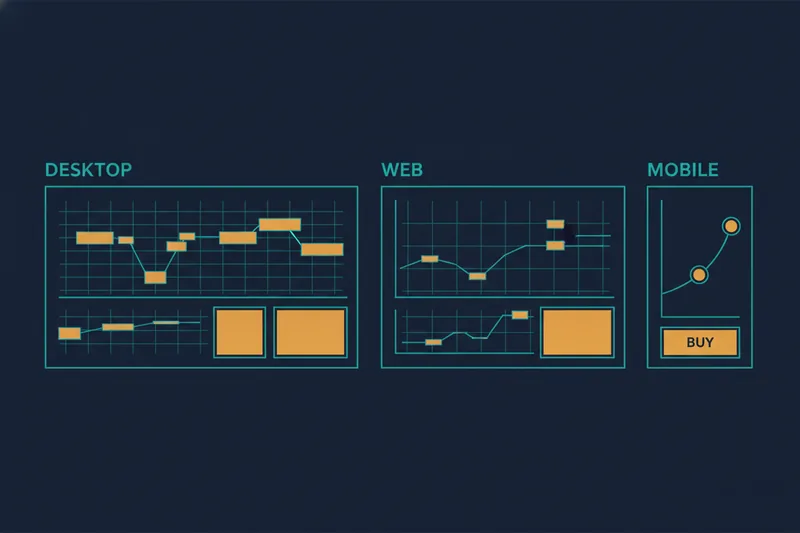
Schwab splits thinkorswim into three environments, and picking the right one depends on how you trade rather than how experienced you are.
thinkorswim Desktop: full-featured charting and order tools
thinkorswim desktop is the downloadable application and the most capable of the three. It includes customizable multi-chart layouts, a full options chain with Greeks, a strategy roller, paper trading (simulated accounts), and the scripting environment where thinkScript studies and alerts live. If you're doing serious technical analysis or building custom indicators, desktop is the only version with the full toolset.
thinkorswim Web: browser-based access
thinkorswim web mirrors much of the desktop experience without requiring installation. It's lighter — fewer custom study options, a simpler layout — but keeps the core charting, watchlists, and order entry. It's a reasonable middle ground for traders who move between computers or don't want to manage software updates.
Schwab Mobile App: trading on the go
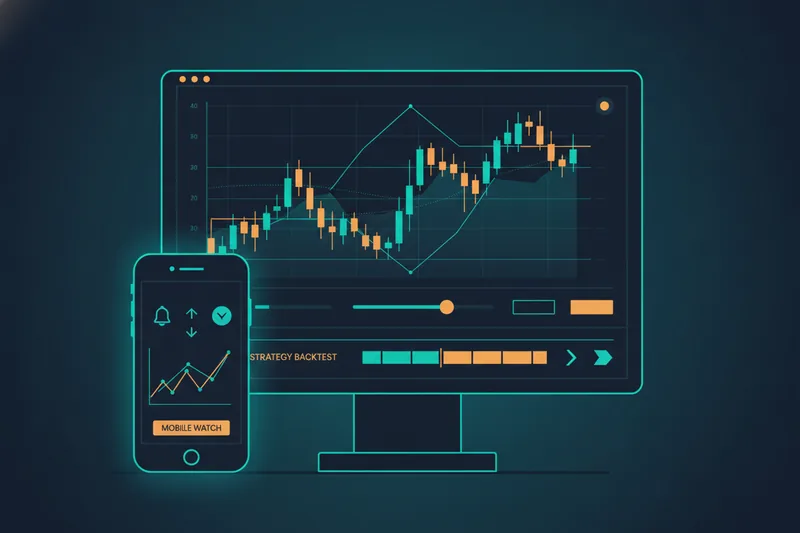
The Schwab mobile app (and a separate thinkorswim mobile app) covers order placement, alerts, and basic charting from a phone. It's built for monitoring positions and reacting to price moves, not for building strategies or running detailed backtests — those tasks still belong on desktop or web.
How Much Does It Cost to Trade With Schwab?
Cost is usually the first filter traders apply to any schwab trading platform comparison, and the headline is that Schwab charges $0 commission on online trades of U.S.-listed stocks and ETFs. Options trades typically carry a small per-contract fee on top of the $0 base commission, and futures contracts carry their own flat per-contract fee. These figures are subject to change, so it's worth checking Schwab's current fee schedule before placing a trade rather than relying on any fixed number quoted elsewhere.
Beyond per-trade commissions, the platform itself — thinkorswim in all three forms — is free to use for account holders; there's no separate software subscription. Where costs can add up are margin interest (if you borrow against your account), broker-assisted trade fees (placing an order by phone instead of online), and mutual fund transaction fees on certain non-Schwab funds. For a typical self-directed trader working strictly with stocks, ETFs, and options through the app or thinkorswim, the effective cost of using the Charles Schwab trading platform is close to zero beyond the trades themselves.
Account Minimums and Requirements
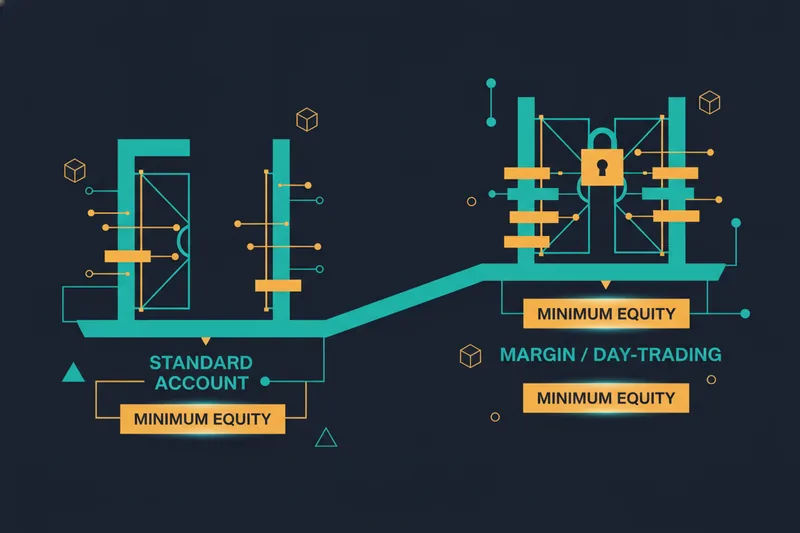
Opening a standard Schwab brokerage account requires no minimum deposit — you can fund it with any amount and start trading stocks and ETFs commission-free. This is one of the more beginner-friendly aspects of Schwab compared to platforms that gate access behind a minimum balance.
That changes once you move into margin trading or day trading rules territory. Margin accounts generally require a minimum equity threshold to activate margin privileges, and traders classified as "pattern day traders" — those who execute four or more day trades within five business days in a margin account — are required by FINRA rules to maintain at least $25,000 in account equity. This isn't a Schwab-specific policy; it applies across U.S. brokerages, but it's a real constraint for anyone planning to day trade frequently on a smaller account. Options trading also has its own approval tiers, meaning access to more advanced strategies (spreads, uncovered options) depends on Schwab approving your account level based on experience and financials.
Is Schwab Good for Beginners and Day Traders?
These are two different questions with two different answers, and conflating them is where a lot of comparison content goes wrong.
Is Schwab good for beginners?
For beginners, Schwab's $0 minimum, $0 commission structure, and access to beginner investing tools — educational content, paper trading through thinkorswim, and a simplified mobile app — make it a solid starting point. The learning curve is in thinkorswim itself: its depth is an asset once you understand it, but the interface can feel dense to someone placing their first trade. New users are generally better served starting on thinkorswim web or the mobile app before moving to the full desktop platform.
Is Schwab good for day trading?
For active, frequent trading, thinkorswim desktop's charting depth, hotkeys, and order types are genuinely competitive with dedicated day-trading platforms. The limiting factor isn't the software — it's the day trading rules described above. Anyone planning to day trade regularly in a margin account needs to plan around the $25,000 equity requirement or stay within the day-trade count that avoids pattern-day-trader classification.
Trading Futures and Forex on Schwab
Futures and forex trading are available on Schwab, primarily through thinkorswim desktop, which supports futures contracts across major exchanges and forex pairs for eligible accounts. These asset classes require separate approval beyond a standard equities account, since they carry different margin and risk profiles. Futures trading uses its own per-contract fee structure distinct from equity and options commissions, and forex is typically offered through a dedicated trading desk rather than the standard order entry used for stocks. If futures or forex are central to your strategy, thinkorswim desktop is the environment to use — the web and mobile versions have more limited support for these instruments.
How to Automate a Strategy on thinkorswim (and Why It Requires Code)
Once a trader has a strategy that works manually, the natural next step is automating it — and this is where thinkorswim's biggest limitation shows up. Automation on thinkorswim desktop is built around thinkScript, Schwab's proprietary scripting language used to write custom studies, conditional alerts, and strategy scripts that can plot signals directly on a chart.
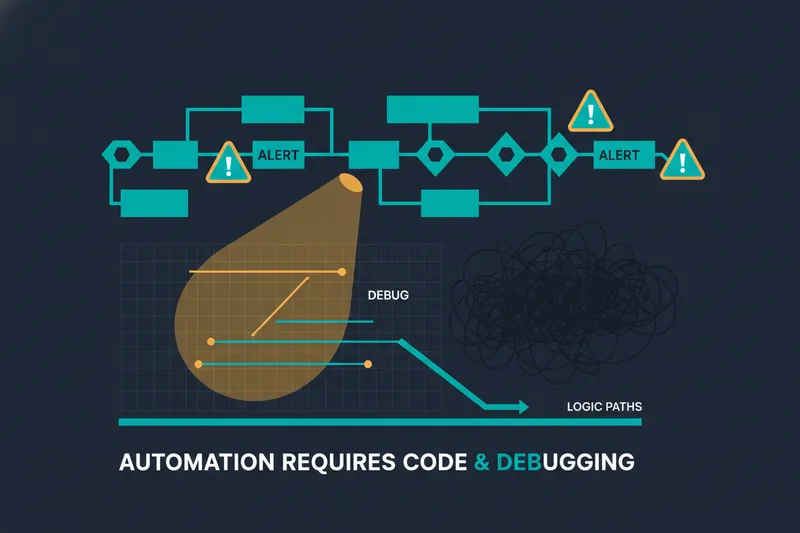
thinkScript is genuinely capable: it can encode multi-condition logic, reference multiple indicators, and generate alerts when specific price or indicator conditions align. But it is still code. Writing a thinkScript study means learning its syntax, debugging logic errors without a visual trace of what triggered (or didn't), and testing changes by rerunning scripts rather than seeing rule zones highlighted on the chart. For traders without a programming background, this is a real wall between "I have a strategy idea" and "I have a working, tested bot." It's also why so much Schwab-related content stops at describing thinkorswim's charting tools and never actually answers how to build automation without a coding background.
A No-Code Alternative: Building and Backtesting Strategies Visually With Quberas
Why traders look beyond thinkScript for automation
Not every trader wants to become a part-time developer to test an idea. If your strategy is a set of conditions — "buy when this indicator crosses that level, average down at this threshold, exit at this target or stop" — the value is in the logic, not in writing code to express it. This is the gap no-code algorithmic trading tools are built to close: the same conditional structure thinkScript can express, built visually instead of typed.
Seeing your strategy's logic directly on the chart
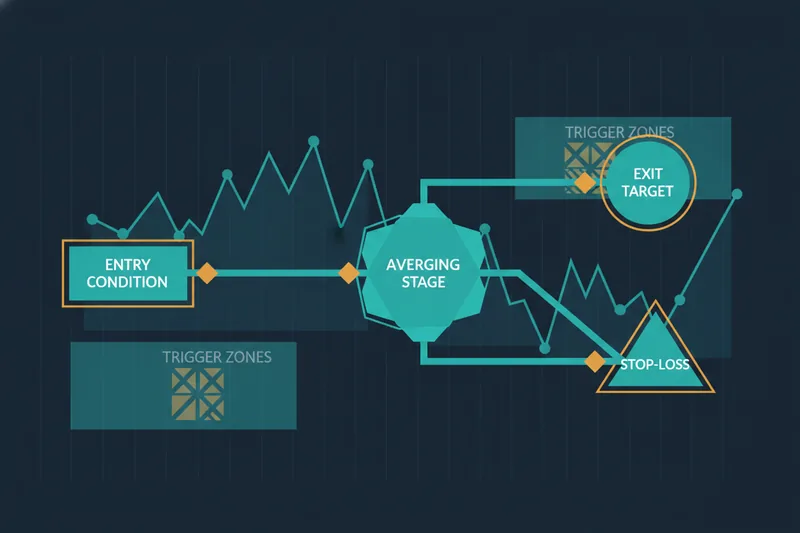
Quberas is a visual, no-code platform for building, backtesting, and launching algorithmic trading strategies. Instead of writing a script, you construct a deal map — a visual layout of entry conditions, averaging orders, exit rules, and stop-losses connected as stages rather than lines of code. A puzzle-style condition builder handles nested logic across price, indicators, volume, and crossovers, and the platform's visual debugger highlights the exact chart zones tied to each condition, including how close a condition came to triggering versus when it actually fired. That's the piece thinkScript doesn't give you directly: a way to see why a rule triggered, or didn't, without reading through code.
Backtesting before you risk real capital
Before any strategy goes live, backtesting lets you run it against historical data to see how the entry, averaging, exit, and stop-loss logic would have performed, and compare variations before committing capital. For a trader who has been manually screening setups on thinkorswim's charts, this is the natural next step: take the logic you already trust and validate it systematically, without needing to code it first.
Charles Schwab Trading Platform: Frequently Asked Questions
Is the Charles Schwab trading platform free to use? Yes. thinkorswim, in its desktop, web, and mobile forms, is included with a Schwab brokerage account at no extra software cost. You pay standard trading fees/commissions on trades, not a platform subscription.
What's the minimum to open a Schwab account? There's no minimum deposit to open a standard Schwab brokerage account. Margin accounts and pattern day trading, however, carry equity requirements — notably the $25,000 minimum under FINRA's day trading rules.
Is schwab trading platform good for beginners or is it built for professionals? Both, in different modes. Beginners can use the simplified mobile app and web version with minimal friction; active traders get full analytical depth through thinkorswim desktop.
Can I automate a trading strategy on Schwab without coding? Not directly within thinkorswim — its automation tools depend on thinkScript. Traders who want visual, no-code automation typically use a separate tool like Quberas alongside their Schwab account for strategy building and backtesting.
If you've been manually testing setups on thinkorswim and want to see the same logic as a structured, visual deal map, see how Quberas lets you build, visualize, and backtest a trading strategy without touching thinkScript or any code — start your first deal map free.