Day Trading Apps: Manual Brokers to No-Code Bots
Day trading apps span a spectrum. On one end are manual execution platforms, where you click every buy and sell order yourself. On the other are algorithmic or automated platforms, where you define rules once and let software execute them. In between sit hybrid tools — brokers with scripting layers, or automation platforms that still require you to approve trades. Most comparison guides only cover the manual end — broker apps, their fees, their charting tools — and treat automation as a niche add-on. That framing misses how traders actually decide today. The real question isn't just "which broker has the tightest spreads," it's "do I want to click every trade, or do I want to build, test, and trust a set of rules before risking capital." This guide covers the full range, including where a no-code strategy builder like Quberas fits into that choice.
What Is a Day Trading App? (And Why the Category Is Bigger Than Just Brokers)
Day trading means opening and closing positions within the same trading session, often multiple times a day, to capture short-term price moves rather than holding overnight. A day trading app is any software that lets a trader execute this — but the mechanism behind execution varies more than most buyer's guides admit.
At one end is manual execution: you watch a chart, decide a trade meets your criteria, and tap "buy" or "sell" yourself. Every decision — timing, size, exit — runs through your hands in real time. This is how broker apps like Interactive Brokers, Webull, and thinkorswim are built to be used.
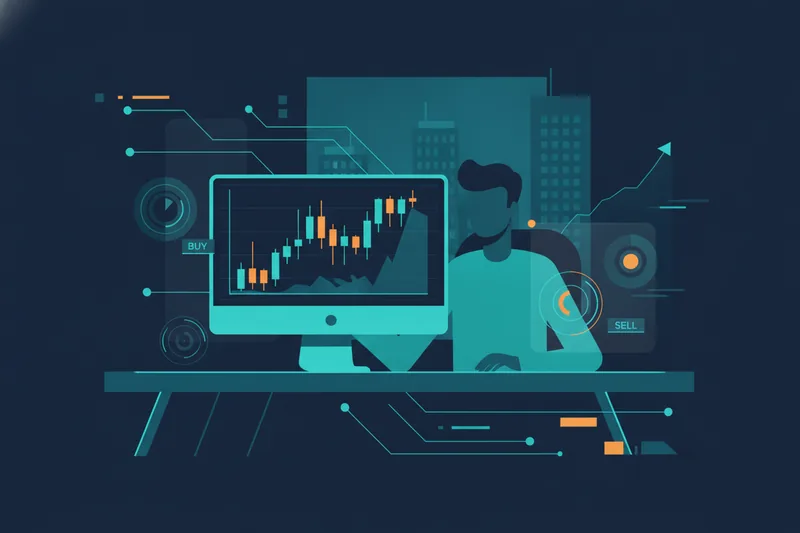
At the other end is algorithmic (automated) trading: you define the conditions under which a trade should happen — a price level, an indicator crossover, a volume spike — and the software executes automatically when those conditions are met. Historically this required writing code. A no-code trading platform removes that barrier, letting you assemble the same logic visually, without a programming background. Some platforms, like TradeStation, sit closer to the middle — a traditional brokerage with a scripting layer bolted on.
All of these are "day trading apps." What distinguishes them is who — or what — pulls the trigger, and whether you can prove your logic works before it's live.
Core Mechanics Every Day Trading App Shares
Regardless of where a platform sits on that spectrum, a handful of mechanics apply across the board — worth covering once so the rest of this guide doesn't repeat itself.
- Real-time charting tools and indicators. Every day trading app needs live price charts and a library of indicators (moving averages, RSI, volume, order flow) that a trader or a strategy can reference. Without accurate, fast-updating charts, neither manual decisions nor automated conditions mean anything.
- Order execution. How an order actually reaches the market — market orders, limit orders, stop orders — and how quickly it fills. Execution quality matters whether a human or a rule initiated the order.
- Commissions and fees. Per-trade commissions, spread costs, platform subscription fees, and data fees all eat into day trading returns, which are built on small, frequent moves. High-frequency strategies are especially sensitive to fee structure.
- The Pattern Day Trader (PDT) rule. In the U.S., FINRA classifies anyone who executes four or more day trades within five business days (in a margin account) as a Pattern Day Trader, requiring a minimum equity of $25,000 to keep trading that way. This rule shapes strategy design regardless of app — traders under that threshold need to manage trade frequency carefully.
- Paper trading / demo accounts. A simulated environment using real market data but no real money. Nearly every serious day trading app — manual or algorithmic — offers one, because testing behavior before committing capital is standard practice, not a luxury.
- Mobile app usability. Day trading often requires reacting on the move. How clean and responsive the mobile experience is affects both manual traders (who need to place orders fast) and algorithmic traders (who need to monitor and adjust rules remotely).
These six mechanics are the baseline. What separates apps from each other is how they're built on top of this foundation.
Manual Execution vs Algorithmic Automation: Two Ways to Day Trade
Manual broker apps put the trader in the loop for every order. Interactive Brokers is built for active traders who want direct market access, a wide range of order types, and low per-share commissions on high-volume accounts. Webull targets a more casual, mobile-first audience with commission-free trades and built-in paper trading. Charles Schwab / thinkorswim is known for its depth of charting tools and options analytics, appealing to traders who want to study a setup closely before clicking in. TradeStation offers more customizable order routing and strategy scripting for traders who want some automation without leaving a traditional brokerage environment.
All four are fundamentally manual-execution platforms: even where they support scripted alerts or conditional orders, the core workflow assumes a human is watching and deciding.
Algorithmic or automated trading platforms invert that workflow. Instead of watching a chart and deciding in the moment, you define the conditions in advance — entry triggers, exit rules, stop-losses — and the platform executes them consistently, without hesitation or emotion, whenever those conditions are met. A no-code strategy builder brings this to traders who don't write code, letting them assemble conditions visually rather than scripting them.
Best Day Trading Apps Overview / Comparison Table
| App | Execution Type | Best Known For |
|---|---|---|
| Interactive Brokers | Manual | Direct market access, low per-share commissions |
| Webull | Manual | Commission-free trades, mobile-first design |
| Charles Schwab / thinkorswim | Manual | Advanced charting and options analytics |
| TradeStation | Manual, with scripting | Customizable order routing, strategy scripting |
| Quberas | Algorithmic, no-code | Visual strategy building, debugging, backtesting |
This isn't an either/or split for every trader — some use a broker app for execution and a separate tool to design and validate the logic they eventually automate. But understanding where a platform sits on the manual-to-algorithmic spectrum prevents comparing apples to oranges, like judging a no-code strategy builder by its options chain depth.
Inside a No-Code Algorithmic Day Trading App: How Quberas Builds, Debugs, and Backtests Strategies
To make the algorithmic side concrete, it helps to walk through how one no-code platform, Quberas, actually structures a strategy — since "automated trading" means little until you see what building and validating one looks like.
How the Deal Map Structures Entries, Averaging, and Exits
Quberas represents a strategy as a deal map — a visual, drag-and-drop layout of the stages a trade goes through: entry conditions, averaging orders (adding to a position at defined intervals or price levels), exits, and stop-losses. Instead of a block of code where entry and exit logic are buried in variables, each stage is a visible node connected to the next, so the flow of a strategy — what happens first, what happens if price moves against you, when the position closes — is laid out the way you'd sketch it on a whiteboard.
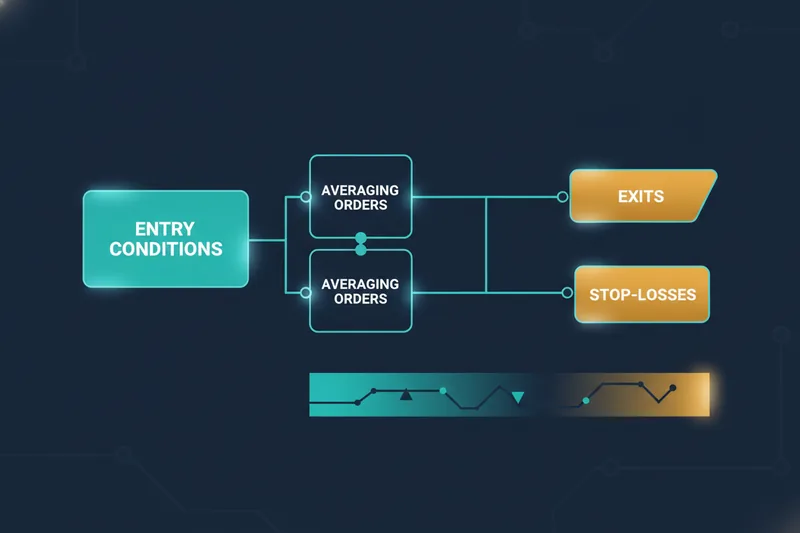
Conditions themselves are built with a puzzle-style condition builder, which supports nested logic combining price levels, indicators, volume, and crossovers. You can require multiple conditions to be true simultaneously, or set up either/or branches, without writing a single line of code.
Debugging Why a Trade Triggered
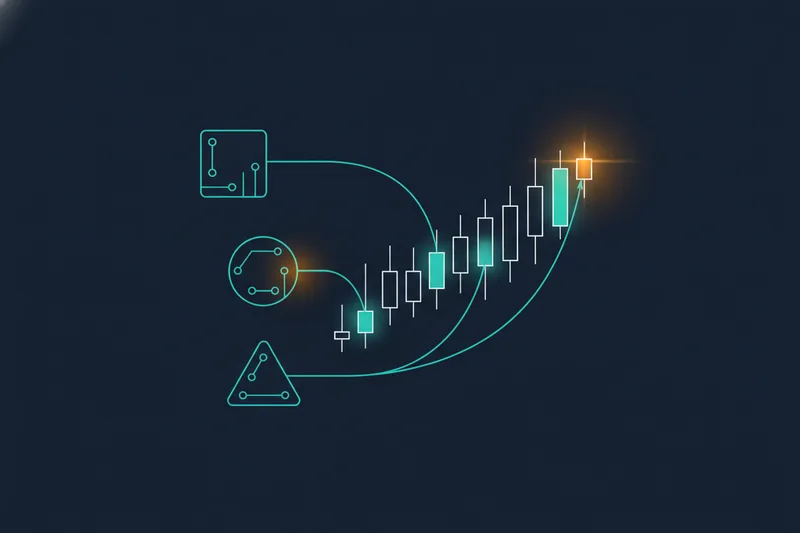
One recurring frustration with automated strategies — no matter the platform — is not knowing why a trade fired, or why it didn't. Quberas addresses this with a visual debugger that highlights the exact chart zones tied to each condition. Instead of guessing whether your RSI threshold or your moving average crossover caused an entry, you can see the specific price zone and time each condition became true, and inspect how close a condition came to triggering — the difference between "almost" and "triggered." That distinction matters for tuning: if a condition is repeatedly landing just short of its threshold, that's a signal the threshold — not the strategy concept — needs adjusting to reduce noise-driven entries.
Backtesting Before Going Live
Before committing real capital, a strategy built on the deal map can be run against historical data — OHLCV (open, high, low, close, volume) data, or more granular bid/ask and order-book-derived data — to see how it would have performed. Backtesting doesn't guarantee future results, but it does let you compare variations of a strategy (different thresholds, different exit rules) against the same historical window before deciding which version to trust with real money.
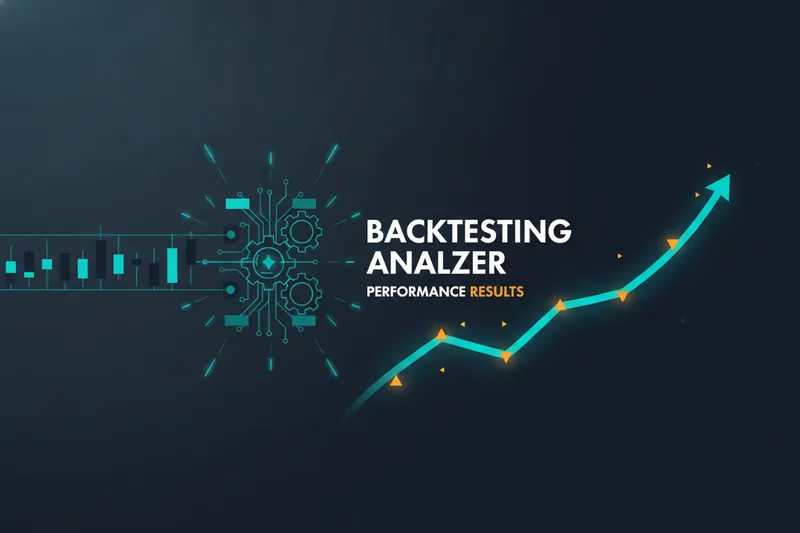
This combination — a visual deal map, a debugger tied to actual chart zones, and historical backtesting — is what separates a no-code algorithmic day trading app from either a manual broker app or a black-box automation tool where you can't see why a rule fired.
Best Day Trading Apps by Trader Type
Best for Beginners
Beginner traders benefit most from apps with low or no commissions, an accessible mobile experience, and a paper trading environment to practice without financial risk. Webull fits this profile well, and most broker apps in this category are built to minimize the learning curve before real capital is at stake.
Best for Advanced or Active Traders
Active traders who place high volumes of manual trades typically prioritize execution speed, order type flexibility, and charting depth. Interactive Brokers and thinkorswim serve this group, offering the granular order control and analytical tools that high-frequency manual trading demands. TradeStation's scripting layer also appeals here for traders who want some rule-based automation layered onto a traditional brokerage.
Best for Automated & Algorithmic Trading
Traders who want to systematize a strategy — rather than execute it by hand every session — are better served by an algorithmic, no-code platform. This is where a tool like Quberas fits: instead of manually watching for a setup, you build the entry, averaging, exit, and stop-loss logic once as a deal map, backtest it, and let it run consistently. Commissions and fees still apply through whatever exchange or broker connection executes the trades, and paper trading (via backtesting and, where available, forward-testing) remains the responsible step before going live — the difference is that the rules, not your attention span, decide when to act.
How to Choose the Right Day Trading App for Your Strategy
Match the app to how you actually intend to trade, not to a generic "best of" ranking. A few concrete filters:
- Fees, commissions & account minimums. Commission-free doesn't always mean cheapest — check spreads, data fees, and platform subscription costs against your expected trade frequency.
- PDT rule impact. If you're trading a U.S. margin account under $25,000, the Pattern Day Trader rule limits you to three day trades in five business days. This affects manual traders directly and shapes how frequently an algorithmic strategy should be allowed to fire.
- Transparency into trading logic. If you're moving toward automation, ask whether you can actually see why a strategy enters or exits a trade, or whether it's a black box. A visual debugger that ties conditions to chart zones is a meaningfully different experience than trusting a parameter list you can't inspect.
- Paper trading / demo account. Confirm the app lets you test — manually or via backtesting — before committing real money, regardless of which execution mechanism you choose.
- Mobile app usability. If you need to monitor positions or adjust rules away from your desk, test the mobile experience before committing to a platform long-term.
If your answer to "why did that trade happen" is currently "I'm not sure," that's a signal worth acting on — either by tightening your manual process or by moving toward a rule-based system you can inspect and backtest.
FAQs About Day Trading Apps
Can I make $1000 a day trading? It's possible on some days with sufficient capital, volatility, and a strategy that performs — but it's not a reliable baseline outcome. Returns vary widely by account size, risk tolerance, and strategy quality, and backtested logic can help you understand realistic performance ranges before assuming a fixed daily figure.
Is $100 enough to start day trading? You can open many accounts with $100, but the PDT rule effectively limits frequent day trading in a margin account below $25,000, and small accounts leave little room for normal price fluctuation or fees. Paper trading first is a practical way to build experience without this constraint.
What is the best day trading app for beginners? Apps with no or low commissions, simple mobile interfaces, and a solid paper trading mode — such as Webull — tend to suit beginners best, since the priority early on is learning execution and risk management without financial pressure.
Are there AI day trading apps? Some platforms market AI-driven signals or automation, but the more established and inspectable approach is rule-based algorithmic trading, where you define the exact conditions a strategy acts on and can backtest and debug that logic yourself, rather than trusting an opaque model's output.
Do I need to know how to code to automate trading? No. A no-code strategy builder lets you construct entry, averaging, exit, and stop-loss logic visually — using a condition builder rather than a scripting language — so building an automated strategy no longer requires a programming background.
If you're currently clicking every trade manually and want to see whether your strategy logic actually holds up, see how Quberas turns any trading idea into a visual, backtested strategy — build your first no-code deal map free.